You do not need a complicated website to establish a useful online presence for your business.
If you are a freelancer, side hustler or small business owner, a straightforward site can give potential customers somewhere to understand your services, view your work and decide whether to contact you.
The important part is planning before you start building.
Your first website needs a clear purpose, sensible page structure, useful content and an obvious next step for visitors. Design features and extra functionality can come later if the business genuinely needs them.
This guide explains how to make your own business site, from choosing an appropriate platform and planning your pages to preparing for mobile visitors, SEO and launch.
Start With the Purpose of Your Website
Before choosing colours, templates or layouts, decide what the website needs to achieve.
A business website may need to:
- generate enquiries
- encourage quote requests
- show previous work
- sell products
- accept bookings
- explain local services
- support referrals
- give potential customers confidence before they make contact
Your main objective should influence the pages you create and the information you put on them.
For example, a freelance designer may need a portfolio-led site with strong project examples. A local service business may need individual service pages, clear contact details and information about the areas it covers. An online retailer needs product organisation, checkout functionality and delivery information.
Avoid building pages simply because a template includes them.
Every important page should have a purpose and help the visitor move towards a sensible next step.
Choose the Right Website Platform
The right platform depends on what you need to build, how comfortable you are managing it yourself and how much flexibility you may need later.
Website Builders
Hosted website builders usually combine templates, page editing and hosting in one service.
They can suit:
- new side hustles
- simple service websites
- portfolio sites
- small businesses with limited content
- owners who want a guided setup process
Their main advantage is convenience. Much of the technical setup is handled within the platform.
The trade-off can be flexibility. Some hosted builders provide less control over custom development, advanced integrations or moving the website to another system later.
Before choosing one, check whether it can support the pages, forms, mobile experience and other functionality your business actually needs.
WordPress
WordPress can support everything from straightforward business websites to larger content-led sites.
It may suit businesses that want:
- greater control over page structure
- regular blog or resource publishing
- additional service pages
- custom forms
- portfolio sections
- plugins for extra functionality
- room to expand the website later
A self-hosted WordPress website also brings more maintenance responsibility.
WordPress.org advises keeping WordPress software, themes and plugins updated and recommends regular backups.
That means a WordPress site can give you considerable flexibility, but you also need a sensible approach to hosting, updates, security, backups and plugin management.
Avoid installing plugins simply because they are available. Use the tools the website genuinely needs and keep the setup manageable.
Custom Website Development
Custom development becomes relevant when a business needs functionality that standard website builders or common WordPress setups cannot provide efficiently.
This might include specialised workflows, complex integrations or unusual application requirements.
It usually requires professional development and more detailed planning than a typical self-build site.
For many freelancers and smaller local businesses starting from zero, a website builder or WordPress setup will usually be the more practical place to begin.
Plan Your Website Before You Start Building
A simple site plan can prevent a surprising amount of rework.
Start with the pages customers actually need.
| Page | Main purpose |
| Home | Explain the business quickly and direct visitors to key services |
| About | Build confidence by explaining who is behind the business |
| Services or Products | Explain what you offer, who it is for and what to do next |
| Portfolio or Previous Work | Provide relevant examples of your work where available |
| Contact | Make enquiries straightforward |
Depending on the business, you may also need pages for locations, bookings, FAQs, products, policies, pricing or useful resources.
Next, sketch out the main navigation.
Keep it straightforward. A first-time visitor should not have to decode creative menu labels to find your services or contact details.
It also helps to decide what each page is about before writing it.
For example, if you offer several genuinely different services, decide which service belongs on which page instead of creating several overlapping pages later.
Build the Essential Pages First
You can expand the website once the foundations are working.
Start by making the essential pages useful and complete.
Home Page
Your home page should tell a new visitor what the business does without making them search for the answer.
Near the top of the page, make it clear:
- what you offer
- who you help
- where you operate where location matters
- what the visitor can do next
Avoid broad slogans that could describe almost any company.
A clear service statement followed by a relevant call to action is usually more useful than several lines of generic brand language.
Link visitors towards your most important services, products or examples of previous work.
About Page
An About page should help a potential customer understand who they may be dealing with and why the business is relevant to them.
Useful information can include:
- professional background
- relevant experience
- the type of clients you work with
- your approach
- verified qualifications where relevant
- why the business was established
Keep the page connected to the customer.
Personal history can add credibility, but it should not overshadow the information visitors need when deciding whether to work with you.
Services or Products
Explain each important service or product clearly enough for a potential customer to judge whether it suits them.
Useful information may include:
- what it is
- who it is for
- what is included
- the problem it addresses
- how the process works
- what the visitor should do next
Distinct services can justify separate pages when each page has enough useful information of its own.
The purpose is not to create more URLs. It is to give visitors clearer information about genuinely different offers.
Portfolio or Previous Work
Previous work can give potential customers evidence that your business has handled similar projects before.
Where appropriate and permitted, explain:
- the type of client or project
- what was required
- what work was completed
- the platform or format involved where relevant
- the outcome you are authorised to discuss
Do not invent results or publish confidential client information.
If you cannot substantiate a performance claim, leave it out.
Contact Page
Your contact page should remove unnecessary barriers to getting in touch.
Ask only for information you genuinely need.
That might include:
- name
- phone number
- service required
- project details
- preferred contact method
Include the areas you serve where location is relevant.
For a Gold Coast business, clear local information can help visitors confirm that the business operates in their area.
Make Your Own Business Site Mobile-Friendly
A website that looks good on a large screen can still be awkward to use on a phone.
Mobile usability is especially important for Australian businesses. ACMA reported that 97% of Australian adults accessed the internet using a mobile phone in 2025, while 92% used mobile internet daily. These figures reinforce why important website pages should be tested carefully on smaller screens rather than designed primarily around desktop use.
Check important pages on mobile rather than relying solely on the editor preview.
Look at:
- text size
- menus
- button spacing
- contact forms
- image cropping
- content width
- phone-number links
- pop-ups
- sticky elements
- calls to action
Important information should not disappear beneath oversized images or decorative sections.
Forms should be usable without zooming, and buttons should be easy to tap.
Mobile usability also affects the business outcome. If someone cannot find your services or submit an enquiry comfortably, they may simply leave.
Create a Clear and Consistent Design
A credible business website does not need elaborate visual effects.
Consistency usually matters more.
Choose a simple set of design rules for:
- fonts
- colours
- headings
- buttons
- spacing
- image style
- service-page layouts
Reuse those patterns throughout the website.
Leave enough space between sections so pages remain easy to scan, particularly on smaller screens.
Use real business photographs where they add useful context, especially for completed projects, teams, premises or local services.
Stock imagery can fill genuine visual gaps, but generic images should not give visitors a misleading impression of your business.
Write Website Content That Helps People Take Action
Good website copy should answer customer questions rather than fill space.
Start with the service, product or problem instead of broad claims about quality, passion or excellence.
Useful business copy can explain:
- what you provide
- who it is for
- what is included
- what customers need to prepare
- how the process works
- what happens after an enquiry
- where the service is available
Use short paragraphs and descriptive headings so visitors can scan before reading in detail.
Calls to action should describe the next logical step.
For example:
- Request a quote
- View our work
- Discuss your project
- Send an enquiry
- Book an appointment
Place them where a visitor may naturally be ready to act rather than repeating the same button after every paragraph.
Set Up the Foundations of SEO
You do not need an advanced SEO campaign before publishing your first website, but some foundations are worth setting correctly from the beginning.
Use Search Terms Naturally
Think about the language customers are likely to use when looking for your service.
That might involve combinations of:
- service
- location
- customer type
- product type
- problem or need
Use those terms where they genuinely describe the page.
Do not force an exact phrase into every paragraph.
Google’s current guidance continues to emphasise content created primarily to help people rather than content designed mainly to manipulate search rankings.
Write for the customer first and make the topic clear.
Optimise Page Titles and Descriptions
Give important pages clear, specific titles that describe their content.
Avoid using the same title across several pages.
Meta descriptions can also help describe a page in search results, although Google may choose a different snippet depending on the search query and page content.
Write them as useful summaries rather than stuffing them with repeated keywords.
Use Clear Page URLs
Keep URLs readable where your platform allows it.
For example:
/wordpress-web-design/
is easier to understand than:
/page-id-4729-service-option/
Choose important URLs carefully before launch.
If a published URL later changes, consider whether a redirect is required so visitors and search engines are not sent to a dead page.
Add Internal Links
Internal links help visitors move between relevant parts of your website.
For example, an article about building a business website might naturally link to:
- Web Design
- WordPress Web Design
- SEO Services
- Portfolio
- Contact
Use descriptive anchor text.
A phrase such as WordPress web design services tells the reader more than click here.
Do not force links into every section. Add them where the destination genuinely helps the reader.
Improve Website Speed
Images, third-party scripts, unnecessary plugins and oversized media can make pages slower.
Practical steps include:
- compressing images
- resizing files appropriately
- removing unused plugins or apps
- limiting unnecessary animation
- avoiding oversized background videos
- testing important pages after major design changes
Google continues to surface Core Web Vitals as part of its broader page-experience guidance, rather than presenting one performance score as a standalone guarantee of search success.
Treat performance as part of building a usable website for real visitors.
Use Online Directories to Support Visibility
A new website is only one place where customers may discover your business.
Relevant business directories can provide another route for people to find and verify your details.
General Business Directories
Choose established directories that serve a genuine audience.
Keep information such as your business name, phone number and website address accurate across the profiles you actively maintain.
Do not create dozens of listings simply to increase the number of links pointing to the website.
Industry-Specific Directories
Professional associations and industry directories can be useful when they serve people already looking for your type of business.
Assess them according to relevance and audience rather than assuming every industry directory is worthwhile.
Niche Business Directories
Local and specialist directories can also provide another route to your website when their audience matches your market.
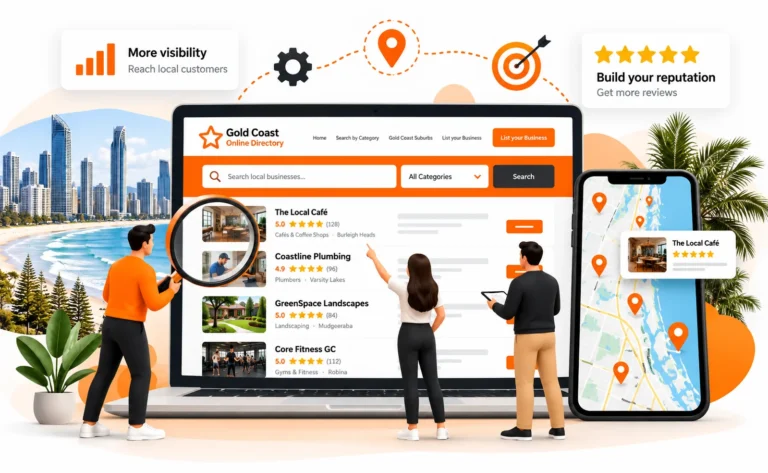
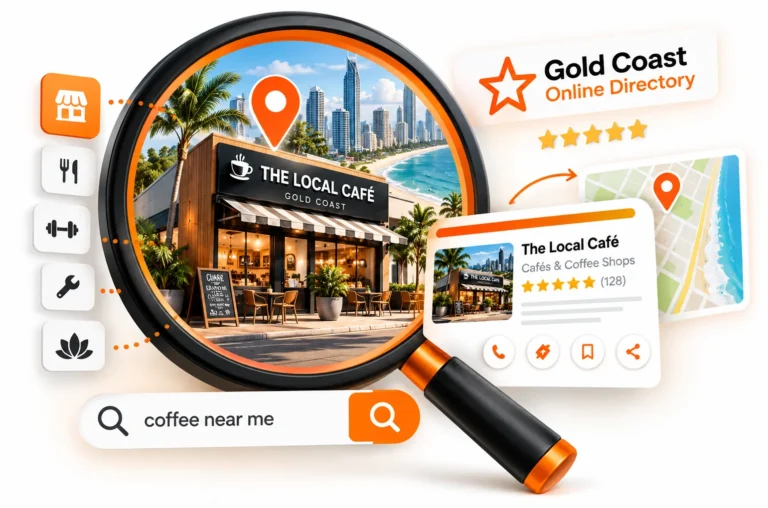
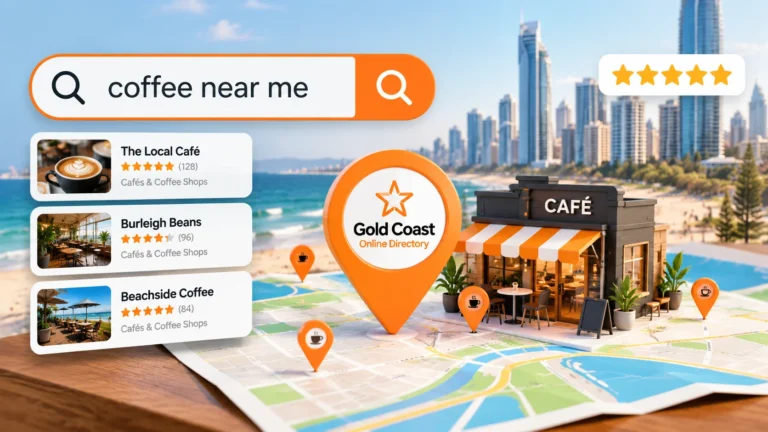
A relevant Gold Coast directory, for example, may help local customers discover businesses operating in the area.
Prioritise quality, accuracy and relevance over listing volume.
Build Trust Through Customer Review Platforms
Customer reviews can help potential clients understand what previous customers experienced before they contact you.
Relevant feedback may appear on:
- business profiles
- industry platforms
- social platforms
- local directories
- other review services relevant to the business
Ask genuine customers for feedback based on actual work completed.
Do not fabricate reviews or ask people to describe experiences they did not have.
Respond professionally when a review deserves a response, including when the feedback is critical.
Useful reviews can help a prospective customer judge factors such as communication, reliability, service quality and the type of work you regularly complete.
Keep this section focused on trust rather than treating customer reviews as a shortcut to rankings.
Check Your Website Before Publishing
A final quality-control pass can catch problems that are difficult to notice while you are building the site.
Check that:
- all menu links work
- forms submit correctly
- phone numbers and email addresses are correct
- important pages display properly on mobile
- images load and display correctly
- template or placeholder text has been removed
- spelling and grammar have been checked
- each page has a clear heading
- services are understandable
- calls to action work
- important page titles are set
- relevant legal and privacy information is present
- analytics and search tools are configured where required
- the site loads over HTTPS
- backup and maintenance arrangements are understood
Google Search Console can help site owners monitor their presence in Google Search, identify indexing issues and review search-performance data such as queries, impressions and clicks.
Google also notes that a new site may take time to generate Search Console data, so an empty report immediately after launch does not necessarily indicate a problem.
Ask someone who was not involved in building the website to test it as well.
A fresh visitor may spot confusing navigation or wording that has become invisible to you after working on the site for weeks.
Know When DIY Is No Longer the Best Option
Building your own website can be a practical way to launch, especially when your requirements are straightforward.
Professional support becomes more useful when problems start consuming time or affecting the business.
Consider getting help when:
- the website becomes slow or unstable
- you cannot achieve the required functionality
- the design has become inconsistent
- the site is difficult to update
- important forms or integrations fail
- several pages overlap heavily
- the website receives visitors but produces few useful enquiries
- a migration or major rebuild is required
- search visibility has become commercially important
- maintaining the website is taking too much time away from the business
You do not necessarily need to hand over the entire site.
Professional help can be limited to the areas where specialist knowledge is useful, such as:
- site structure
- WordPress configuration
- technical SEO
- performance
- tracking
- migrations
- custom integrations
That allows you to continue managing straightforward parts of the site yourself while getting support where mistakes carry more risk.
Turn Your Website Into a Business Asset
Your first business website does not need every feature you may eventually want.
It needs to explain what you do, help the right people find useful information and make the next step clear.
Start with the purpose of the site. Choose a platform that supports that purpose. Build the essential pages, check the mobile experience and make the content useful before adding unnecessary extras.
After launch, keep improving it.
Google Search Console can show how your pages are appearing in search and which queries are generating impressions or clicks. Your own enquiry and sales data can then tell you whether those visitors are taking useful actions.
If the website eventually becomes too complex to manage comfortably yourself, professional support can help you improve the structure, technical setup or marketing without discarding everything you have already built.
For assistance with website planning, web design, WordPress development or SEO, submit an enquiry and explain what you need the website to achieve.